• 3D Sprint Workflow

  • import icon with arrow

    Import

    Directly import native CAD and Mesh files from leading systems including ACIS, CATIA, Creo, And SolidWORKS. Support for 50+ file formats with high-quality tessellation control ensures accurate geometry translation.

  • Repair icon

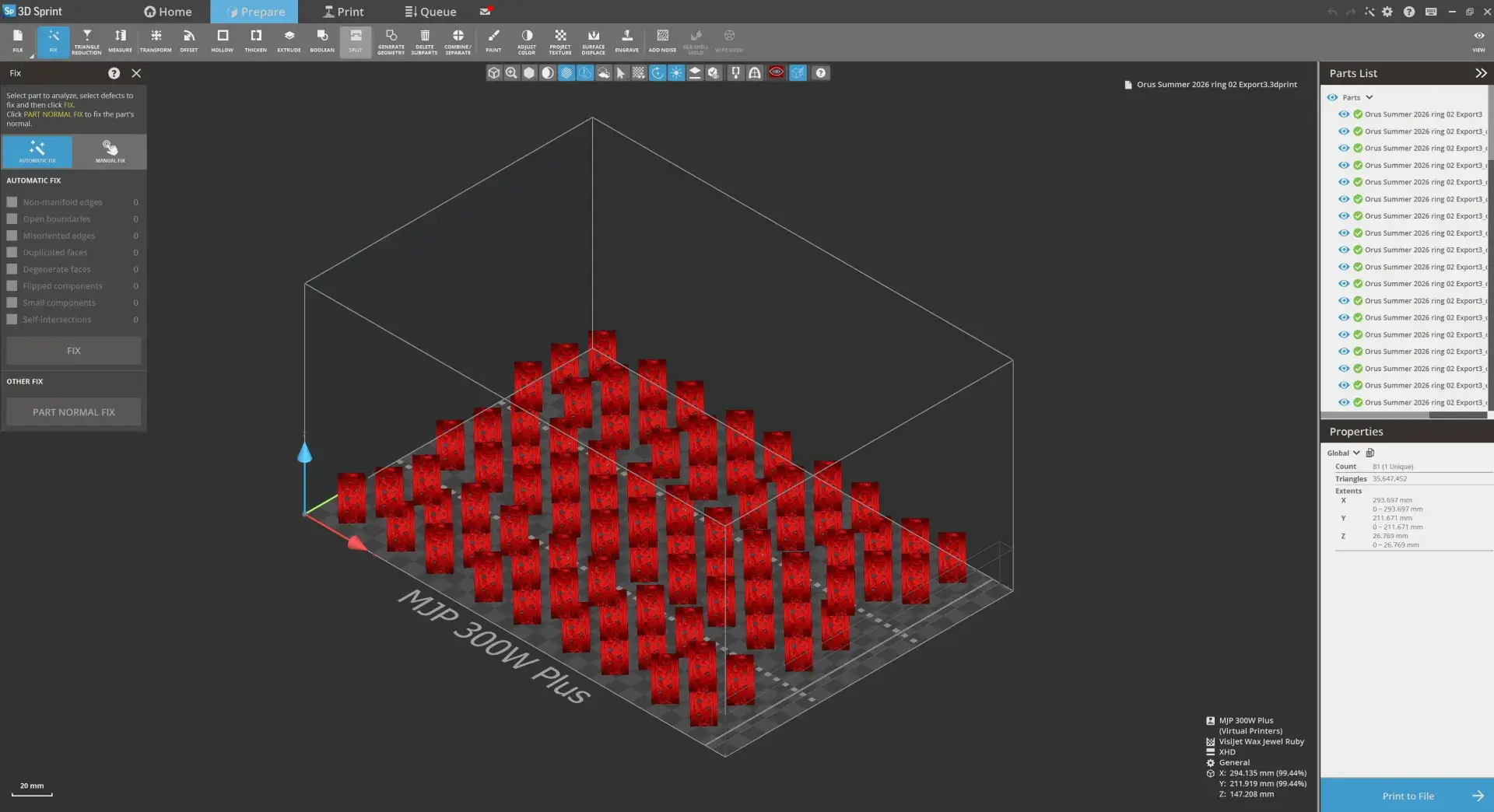
    Repair

    Auto-fix mesh defects including bad edges, open boundaries, and self-intersections. Polygon editing provides professional-grade manual repair tools with customizable quality validation criteria.

  • Place icon

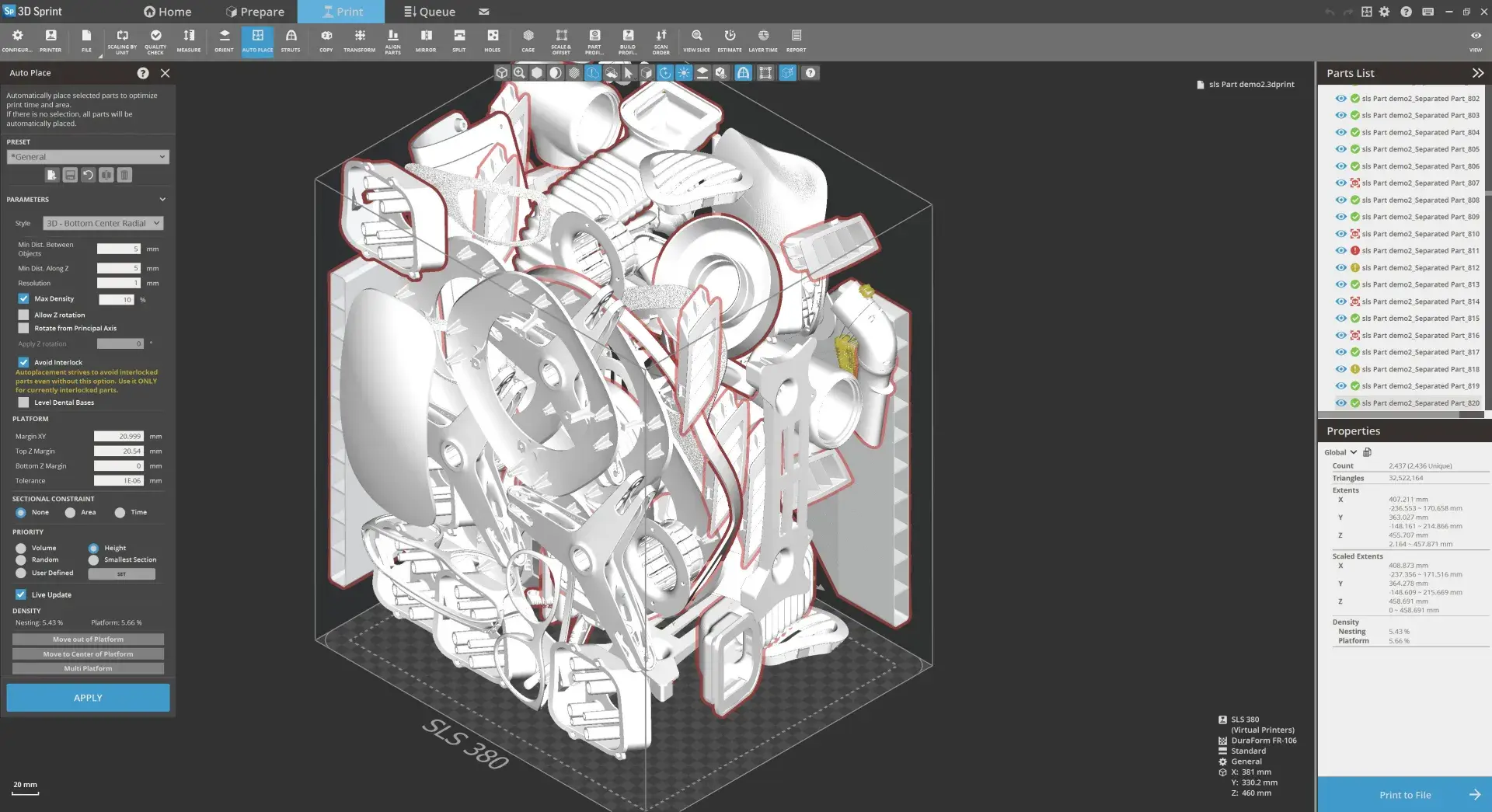
    Place

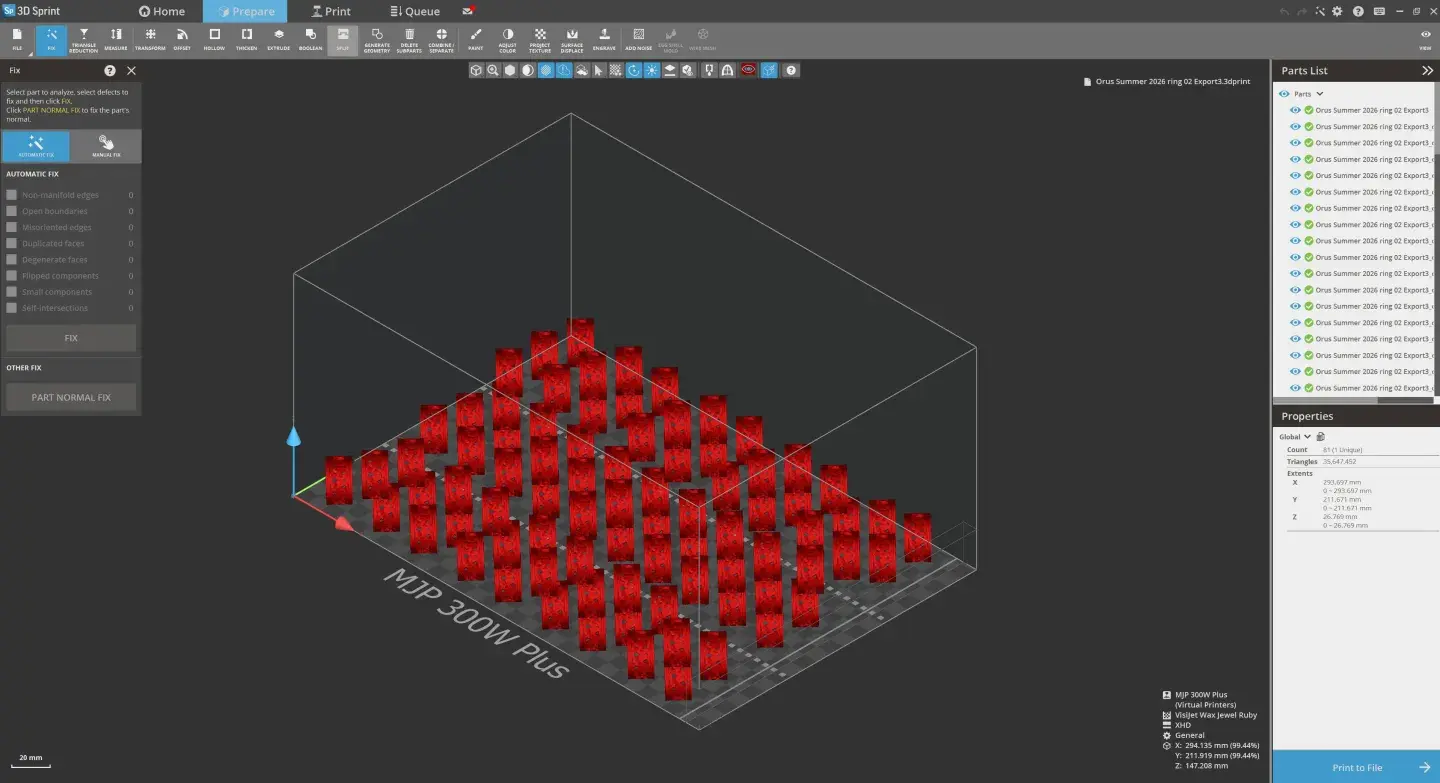
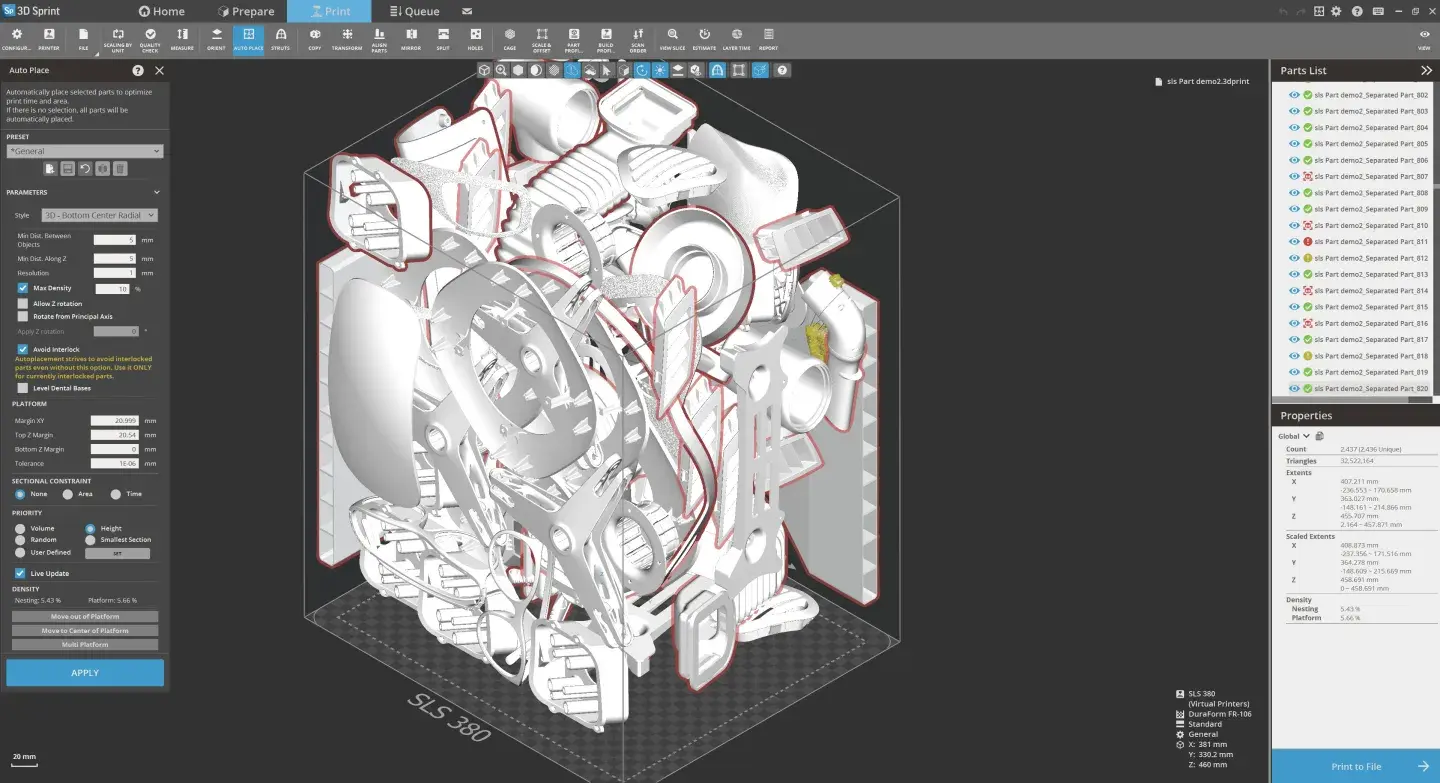
    Optimize part placement with intelligent auto-nesting algorithms. Save custom placement routines, create linear arrays, and maximize 3D printer volume utilization for improved production efficiency and throughput.

  • Prepare icon

    Prepare

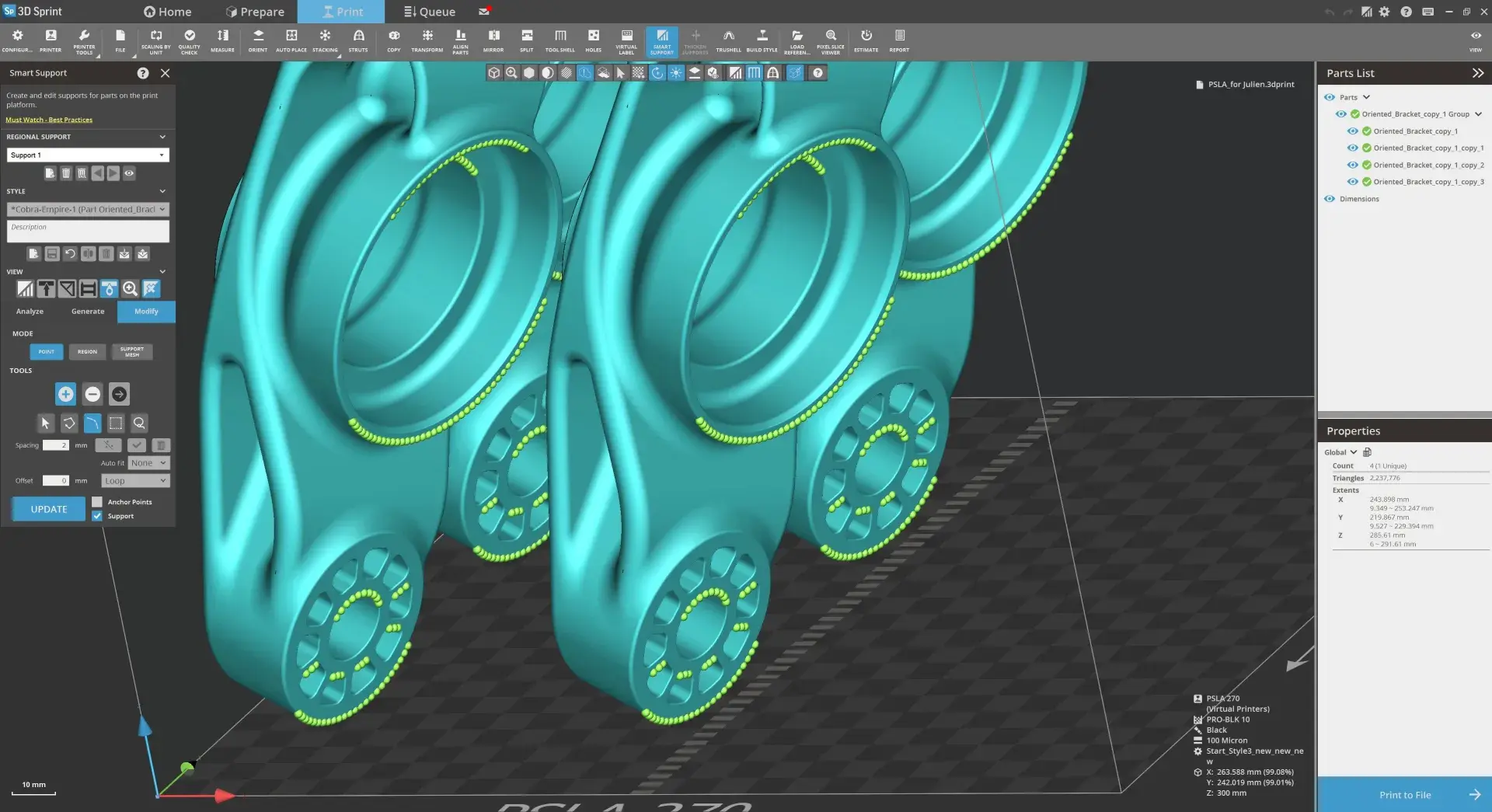
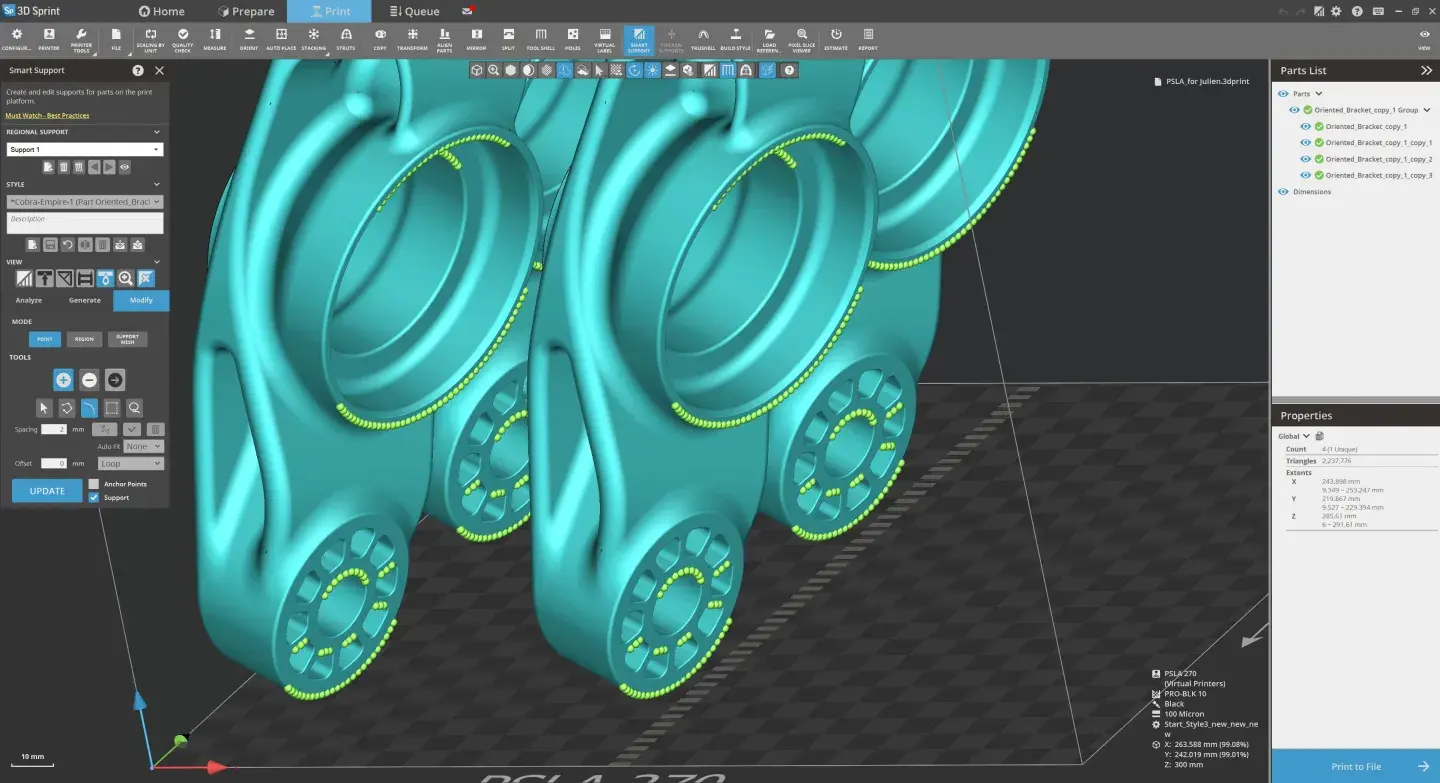
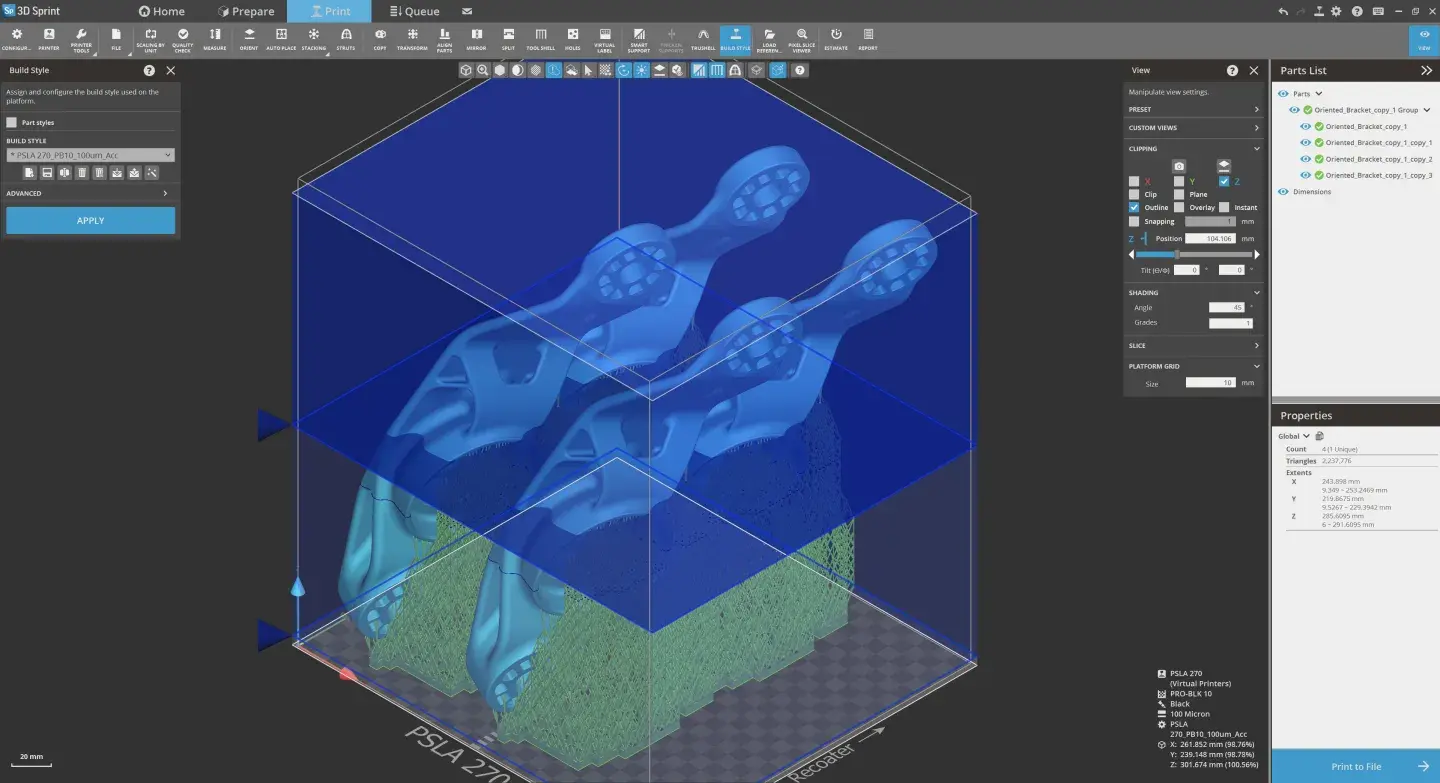
    Generate optimized support structures with fine-tuned profiles. Configure printer settings, manage build parameters, estimate material usage and print time, and create comprehensive build reports.

  • Print icon

    3D Print

    Execute seamless print job delivery to all 3D Systems 3D printers. Monitor queue status, manage multiple jobs, track material cartridge levels, print errors and receive real-time build progress notifications.

  • 3D Sprint Value

  • Man working in a lab with a 3D printer
  • A woman sitting at a desk looking at 3D Sprint software on a desktop computer
  • A man in a lab coat standing next to a 3D printer
  • Facilitate File Preparation

    Native CAD Import

    In addition to all formats supported by 3D Sprint, 3D Sprint PRO supports direct import of native CAD files from the industry's leading CAD systems while applying high quality conversion and tessellation control. As a result, 3D Sprint PRO greatly reduces the time needed for file repair and fixing, shorten the preparation time and facilitates the design to print process.

    Available in 3D Sprint:
    STL, CTL, OBJ, PLY, ZPR, 3D Systems, FBX, IGES, IGS, STEP, STP, M(P)OD

    Available only in 3D Sprint PRO: 
    ACIS, CATIA, Creo, SolidWORKS, VDA-FS

  • Enhance Manufacturing Efficiency

    Finely Tune Supports

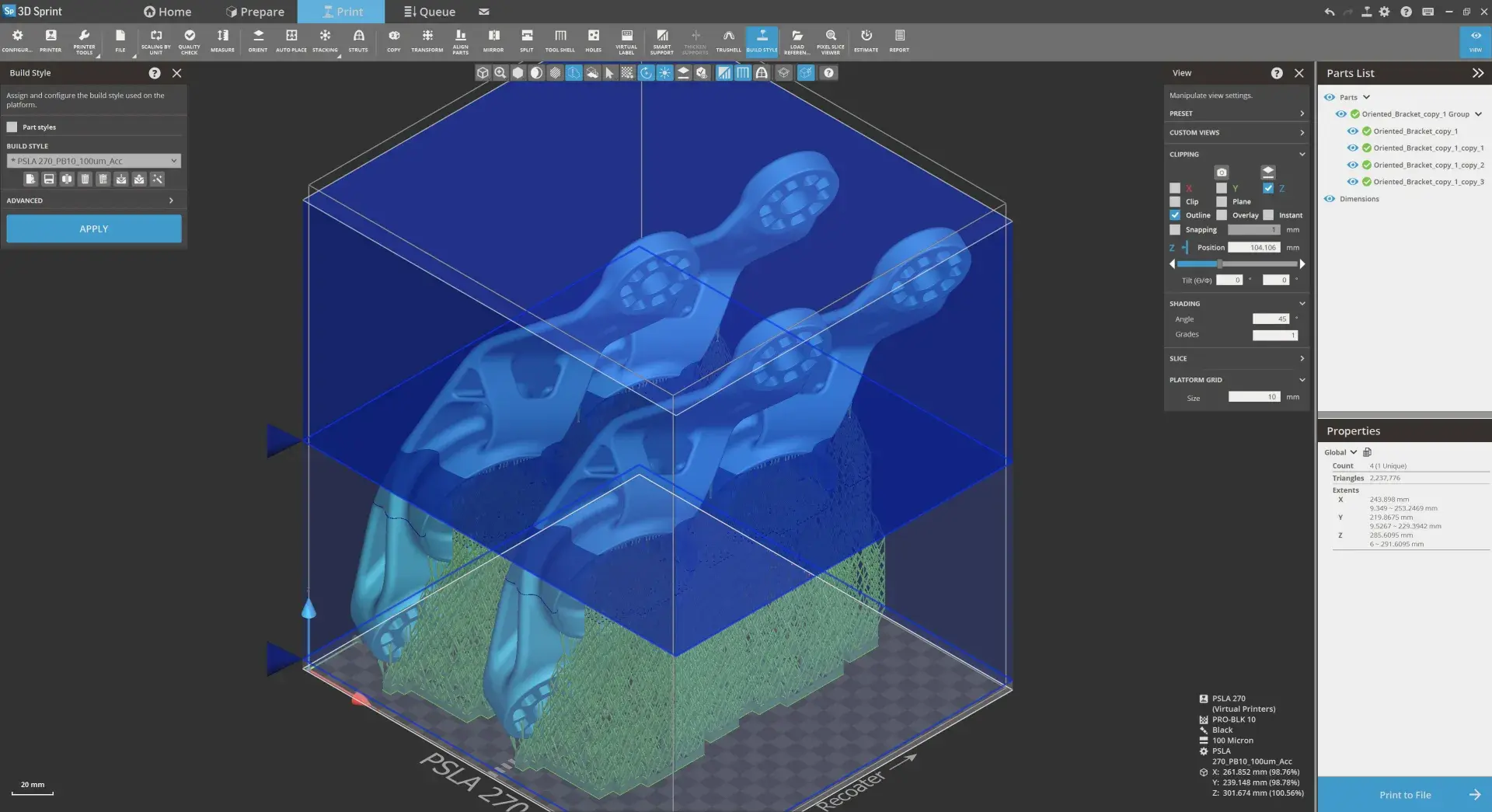
    Improve printed part quality and minimize print time and material usage with optimized pre-set profiles accompanied with full range of structure and anchor point print extraction parameters. Optimization of support structures as enabled by 3D Sprint PRO enhanced capabilities is an important element for overall production efficiency.

  • Increase Productivity

    Auto Placement

    The comprehensive auto placement tool includes the ability to save custom placement routines for later, and extends the available nesting options for any 3D Systems print engine. Better leverage the printer volume for the maximum efficiency. Reduce or eliminate the need for manual part placement to save significant time & productivity.

  • Reduce the Need for Additional Software

    Trusted Polygon Editing and Repair

    Embedded polygon technology enables to easily apply necessary edit and repair operations on 3D scanned data without requiring additional software for that. Users now have more control over polygon selection and deletion, as well as manual hole bridging, and filling with edge constraints, fine tuning the continuity of the results.

  • Eliminate Additional Software

    Integrated Polygon Editing & Repair

    3D Sprint offers numerous ways to shorten the engineering feedback loop. Expedite engineering discovery with customizable part quality criteria to build checks that best suit your need. Automatically verify that the best tool offers uninterrupted dimensional analysis during part positioning. Find additional viewing options to isolate critical components. 

  • Applications-Driven Features

    Extend Your Options in Part and Build Prep

    Master your additive manufacturing workflows with practical features that are designed with real 3D Printing challenges in mind. Benefit from additional commands in 3D Sprint Pro like part modification and build preparation commands to handle more & maximize local problem resolution.

Designed for the Industries We Serve

3D Sprint Lab

3D Sprint serves diverse industries with specialized tools and workflows tailored to each environment's unique requirements.

  • Go Pro with Your Workflow

    Professional-grade additive manufacturing software for complete file preparation and build management

    • Licensing & Packaging

      3D Sprint® License Manager provides secure, on-premise management for both Local and Floating Licenses. It gives administrators control over license activation, allocation, and usage.


  • Basic

    Core tools with more ways to manage and prepare models

    ✔ STL, CTL, OBJ, PLY, ZPR formats

    ✔ 3D Systems, FBX, IGES, STEP formats

    ✔ Part check on import

    ✔ Transform parts

    ✔ View cross-sections

    ✔ Auto-fix parts

    ✔ Boolean operations

    ✔ Align/space parts

    ✔ Printer configurations

    ✔ Consolidate parts for printing

    ✔ Printability check

    ✔ Send builds to printer

    ✔ Access to Virtual Printers

  • Pro

    Advanced workflow optimization and enhanced capabilities

    ✔ All Basic features

    ✔ ACIS, CATIA, Creo, SolidWORKS formats

    ✔ Auto Placement tool

    ✔ Polygon Editing & Repair

    ✔ Advanced auto place options

    ✔ Custom views

    ✔ Import/export transforms

    ✔ Retain hole data

    ✔ Custom build setup parameters

    ✔ Orient parts automatically

    ✔ Material estimation

    ✔ Build time estimation

    ✔ Build reports

Why Add-ons?

  • Solve Real Challenges

    Add specialized capabilities to address your unique workflows.

  • Improve Productivity

    Streamline processes, and reduce manual steps across your workflow. 

  • Maximize your Investment

    Extend the value of your 3D Sprint software and 3D printer hardware.

  • Backed by 3D Systems

    Professionally developed, tested and supported solutions. 

Add-on Solutions

Discover specialized workflows and capabilities available through optional 3D Sprint add-ons.

  • Casting Solutions

    Advanced workflows for investment casting, foundry production, and pattern preparation. 

    Example applications:

    • Investment casting
    • Jewelry production
    • Foundry workflows
    • Pattern development

    Technologies:
    SLA, PSLA

  • Mold Creation

    Generate lightweight, printable mold geometries, directly within 3D Sprint. 

    Example applications:

    • Mold design
    • Silicone tooling
    • Injection molding prototypes
    • Low-volume manufacturing
       

    Technologies:
    MJP, Figure 4

  • Digital Texuring

    Add functional and cosmetic surface textures to 3D-printed parts directly within 3D Sprint. 

    Example applications:

    • Product design
    • Consumer products
    • Manufacturing prototypes
    • End-use parts

    Technology:
    MJP

  • SLA Legacy Support

    Continue using proven SLA 3D printers with modern 3D Sprint workflows. 

    Example applications:

    • SLA 5000
    • SLA 7000
    • Viper
    • ViperHR

    Technology:
    SLA

  • Part Track and Trace Workflows

    Support track and trace workflows by embedding identification and traceability information directly into 3D-printed parts.

    Example Applications:

    • Manufacturing Traceability
    • Production Part Identification
    • Quality Control Tracking
    • Regulated Manufacturing

    Technologies:
    SLA, Figure 4 

  • MJP Advanced

    Advanced slicing and voxel-based workflows for MultiJet 3D printing systems, including enhanced Boolean operations, lattice generation, surface displacement, and multimaterial workflows.

    Highlighted Capabilities:

    • Additional Slicing Commands 
    • Extends Infill Commands 
    • Surface Displacement Capability 
    • New Image & Voxel Commands 

    Technology:
    MJP 


Resources

Request a 30 day evaluation of 3D Sprint